
Tap to dial
Phone links open the device dialer directly.
Make the phone call the easiest next step.
A homeowner searching for an urgent repair should not have to zoom, copy digits, or hunt through the footer. I place one-tap call actions near the main promise, after service details, and at the mobile decision points where they are most useful.
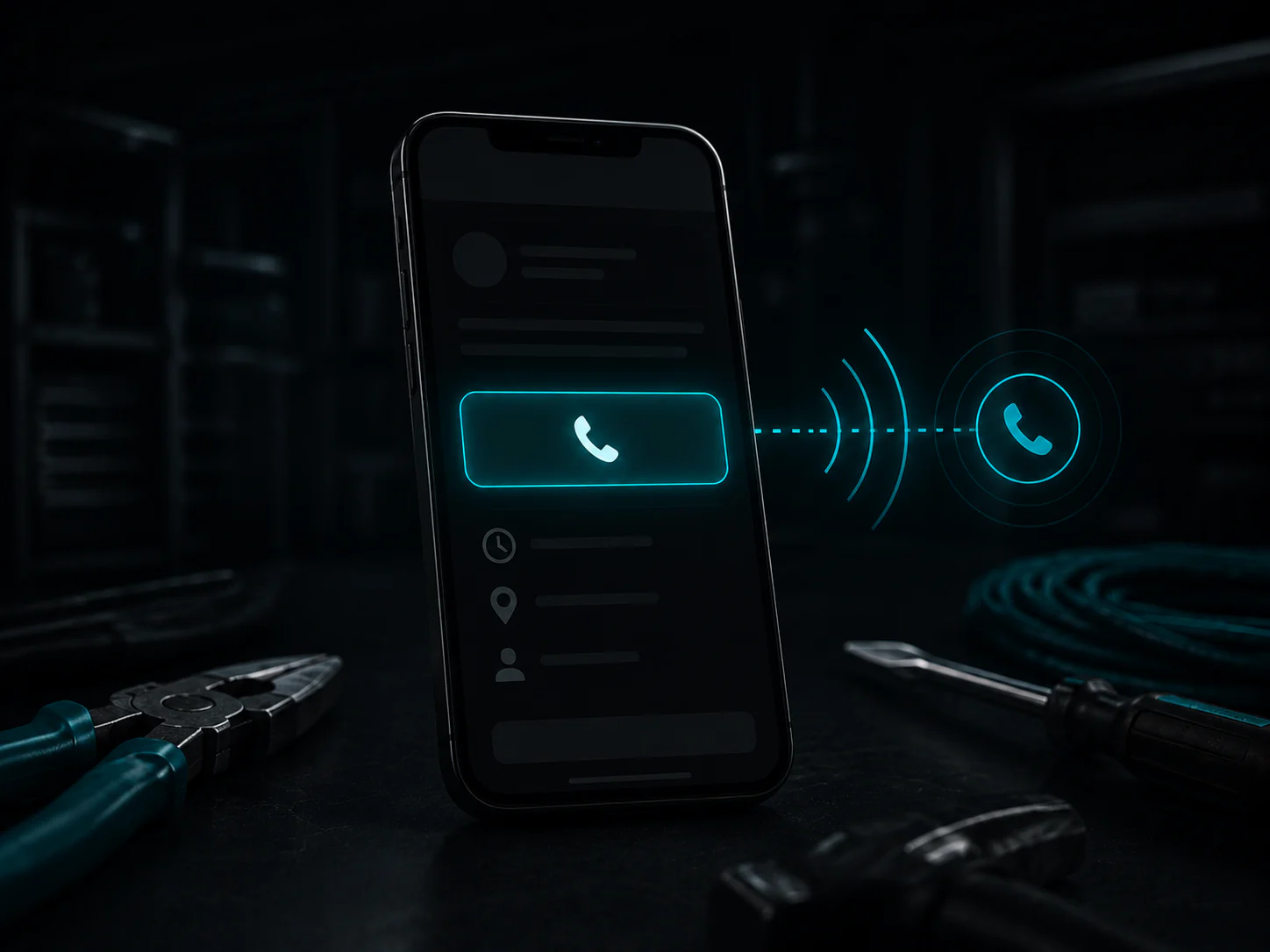
A tappable number is not useful if it is hidden in the footer. The call path needs to be obvious without overpowering every other action on the page. Emergency services can emphasize calls. Estimate-driven services can balance phone access with a short quote form. The layout should fit how customers actually hire your trade.
Phone links open the device dialer directly.
Call actions stay easy to find on smaller screens.
Urgent and estimate-driven services get the right emphasis.
Analytics can record phone-number taps as conversions.
The page confirms you handle the work in their area.
A clear button appears where the customer is ready to act.
No copying, app switching, or searching for contact details.
A straightforward contact feature with clear limits and useful placement.
The phone link works anywhere the device and browser support calling. On mobile it opens the dialer, while compatible desktop calling apps can handle it as well.
Yes. The website uses the business number you approve, and it can be updated if your contact setup changes later.
No. Standard website analytics can record that someone tapped the phone link, but it does not prove the call connected or became a customer.
Click-to-call setup and conversion tracking are included in the managed website plan.